
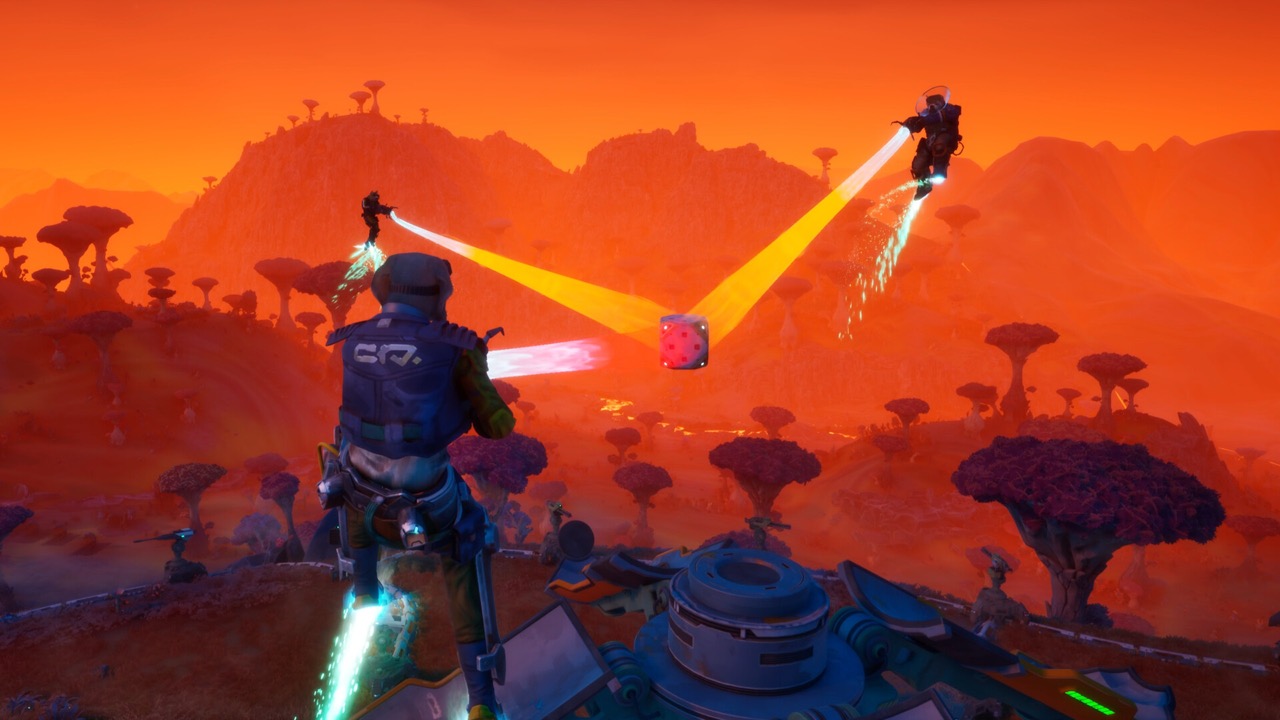
What a Build Node Is
Build nodes are where your base physically goes. A player answer on the Steam forums describes them as circular connectors between pieces of player-created pipeline. Each time you extend the pipe, you get another slot for a turret or structure.
This is why pipeline and building are one system. Structures need power, and the pipeline both powers them and gives them a place to stand. Our pipeline guide covers the network side.
Build Nodes at a Glance
The rules for build nodes in one place.
- Where: at the end of each pipeline segment.
- First structure: the Fabricator.
- Kits: bought at the Fabricator with build credits.
- Placement: Grav Beam grab, placement mode, confirm on the node.
- Limit: one turret per node since Demo Patch 1.
Why You See "Position over a build node"
This prompt is the most common early stumbling block. Players on the Steam forums said the tutorial tells you to place the constructor on a node, but the step of extending pipeline felt under-explained. One demo reviewer noted that you actually need to build the node first, so the instruction reads out of order.
Recorded co-op sessions show whole groups asking where a build node is. The fix is always the same: extend pipeline until a node appears where you want the structure. If a kit is in your hands and nothing highlights, look for the end of your pipe.
Step by Step: Placing a Structure
The in-game tutorial gives the full order of operations. Follow it on every mission until it becomes automatic.
- Lock the Grav Beam onto the Collector's connector to lay pipeline; the node goes live.
- Place the Fabricator on that node; it sells build kits for everything else.
- Buy a kit at the Fabricator with build credits from mining.
- Grab the kit with the Grav Beam and enter placement mode.
- Move it over a build node and confirm.
PC Controls From the Playtest
One playtest video described the PC flow in detail. After buying a turret, you hold right-click to pick it up and drag it over the node. Then you press E to enter building mode and left-click the node to place it.
The same reviewer found this slow when placing several turrets mid-wave. Buy and place kits between waves where you can. Controls may change during Early Access, so check the in-game prompts.
Patch Fixes for Build Kits
Demo Patch 1 changed how kit information appears. Kit details now show when you look at a Build Kit or hold one, where previously you had to do both. It also fixed information and markers appearing from too far away.
The same patch prevented two turrets from being placed on the same pipeline node. Dev Log #1 had already fixed getting stuck while building a Fabricator and Build Kits trapped under trees. Update the game if you hit those issues.
What You Can Build
The official material confirms turrets, generators and fabricators as deployable structures. Demo videos also show radars, constructors, laser fences and teleporters on the pipeline. All of them need a build node.
Turrets come in several types, and new designs are unlocked in the research lab. Demo footage shows gunner, laser and rocket turrets with branching evolutions. Each kit is bought at the Fabricator with build credits.
Turret Promotion on Nodes
Turrets on your nodes earn experience in combat. Once they have enough, you can promote them to stronger, specialised variants. The developer's overview shows this happening mid-wave.
One creator found the ability to upgrade turrets beyond a certain level may itself need unlocking. Demo videos show paths such as gunner to scatter or longbore, and laser to arclight or lancer. Read our Research Points guide to unlock them.
Repairing Structures
Structures on nodes take damage from the swarm. The tutorial teaches you to repair a damaged turret with the mining laser. The mining laser also repairs the Collector and some other objects with health bars.
Repairs become a big part of later waves and harder difficulties. One forum player said higher difficulty in multiplayer turns into a lot of repair work. A Mod that repairs structures faster appears in demo footage.
Planning Where Nodes Go
Because every new segment gives a node, your pipe route decides where defences can stand. Run pipeline toward the direction enemies arrive from, using drone view to see threats in red. Then line turrets up along those nodes.
Turrets earn experience and can be promoted to stronger types such as laser or rocket turrets. Upgrading the Courtesy Turret Mod can spawn higher-tier turrets you have unlocked. See our best builds guide for turret paths.
Frequently Asked Questions
Where is the build node in GRAVHOUNDS?
At the end of each pipeline segment. If there is none, extend pipeline from the Collector or your existing pipe.
Can two turrets share one node?
No. Demo Patch 1 prevented two turrets from being placed on the same pipeline node.
What should go on the first node?
The Fabricator. It produces the build kits for turrets and other structures.
How do I get more build nodes?
Extend your pipeline; each new segment adds a node.
What can go on a build node?
Fabricators, turrets, generators and other structures bought as build kits.
Official Trailer
Sources and Further Reading
- Steam discussion – “Position over a build node”
- GRAVHOUNDS official Steam news (Demo Patch 1, playtest posts)
- Dev Log #1 – Playtest to Demo Changes (official, Oct 7, 2026)
- GRAVHOUNDS – Official Gameplay Overview (ID@XBOX)
- Gravhounds Revealed – Xbox Wire (Josh Holmes, Octopus Panic)